Ring
It takes the call for you
When a call follows the route you set, RingGather picks up. The caller gets help while your team keeps working.
RingGather is an AI receptionist for home-service teams. It takes the calls you choose to cover, checks approved availability, and books open visits into your calendar. Your team can stay focused on the job.
Sample conversation and booking flow.
A clear path from the first ring to a recorded outcome, even while you're on the job.
When a call follows the route you set, RingGather picks up. The caller gets help while your team keeps working.
It asks the right questions and collects who is calling, what's wrong, where to go, and how urgent it is.
It checks approved availability, saves the appointment, then tells the caller they're booked. If the call needs a person, it follows your handoff rules.
Setup starts with your rules. A supported phone route can forward unanswered or selected calls from the number customers already know.
Click through one invented HVAC request. Choose whether an approved time is open, then see what the owner would receive.
Interactive sample with invented details. Open the walkthrough full screen ↗
Every shop is different. Use your own call volume, average job value, and likely booking share to explore a possible opportunity.
A scenario based only on the numbers you enter, not recovered revenue or a guarantee. It assumes you have capacity for the additional work.
Choose your team hours and call route. Then see who handles a call and what happens next.
No phone number or personal details needed. Your choices stay on this page and aren't saved.
RingGather answers and captures the issue. If an approved time is open, it adds the visit to your calendar and tells the caller they're booked. Otherwise, your team gets the request.
Your team gets the first chance. RingGather handles unanswered calls.
RingGather captures the request and your team sees the next step.
It gives approved safety guidance and tries your configured human handoff.
English and Spanish are included in this example.
This example doesn't change your phone route. We configure and test coverage, transfers, and booking with each business.
See the caller’s request, the outcome, and what your team needs to do next. Open the conversation whenever you need the full context.
Daniel Cruz · McAllen, Texas
Daniel’s AC is blowing warm air. He is at 218 Willow Drive and would like a visit tomorrow. No approved time was open, so the team needs to follow up.
Sample call record with invented details.
It can continue in English or Spanish, including when a caller switches languages.
For a possible safety concern, it gives approved safety guidance and tries the configured human handoff.
It checks your calendar and offers only times you approve. Once the visit is saved, the caller hears a clear confirmation.
It follows the pricing guidance you approve and passes uncertain questions to your team.
The team can see calls with missing details, failed tools, or unresolved requests and decide on the follow-up.
When a call needs a person, it follows the approved transfer route and keeps the captured context visible.
The team can see each captured call, its context, and its current next step in one place.
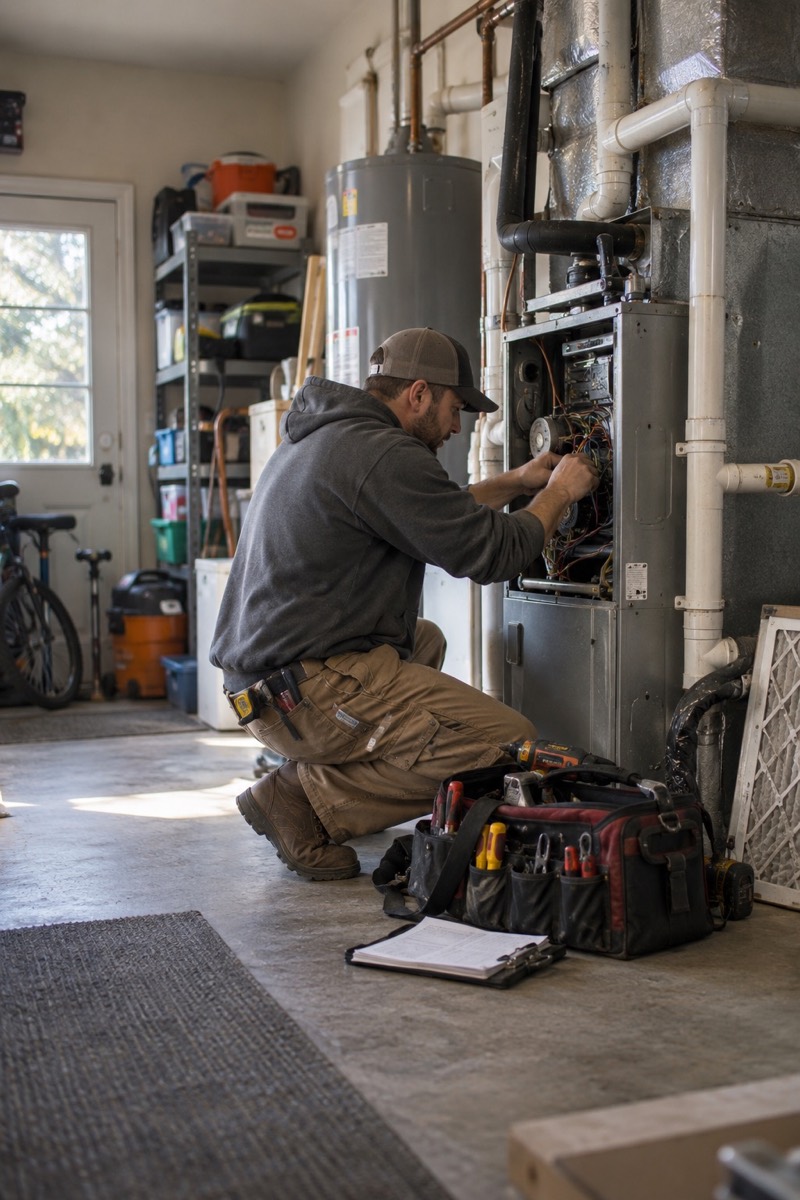 ILLUSTRATIVE FIELD SCENE
A technician cannot answer every ring with a tool in hand. RingGather handles the first conversation and gives the office or owner the context to decide what comes next.
You decide what it says and what it never does. It works inside those limits.
It uses only approved guidance. Uncertain pricing goes to your team.
It checks your available times and saves the visit before telling a caller they're booked.
It introduces itself as your company’s virtual receptionist and asks for transcription consent.
Urgent or unclear calls follow your approved human handoff and alert rules.
Begin with a supervised pilot after your phone route, calendar, staff rules, and acceptance checks are ready.
Pilot scope and pricing are agreed with each business before customer calls are routed.
We learn your service area, hours, pricing rules, and alert contacts.
Try a controlled example using your approved business details before any customer traffic.
We review call outcomes, handoffs, bookings, and usage together before expanding.
Yes. It introduces itself as your business's virtual receptionist at the start of the call and asks for transcription consent.
It captures what it can and marks the call for your team. Urgent calls follow the human handoff and alert route you approved.
Often you can keep the number customers know and use supported call forwarding. We test the exact route with your phone provider during setup.
Yes. You approve pricing guidance and the promises it must avoid. Unclear questions go to your team.
The first controlled setup is for HVAC. Plumbing can be configured after its own business rules and call paths are tested.
Tell us about your business and we’ll shape the walkthrough around your calls.